 AI Chat ExporterAI Chat Exporter
Home › Help › Save ChatGPT as PDF
Updated 2026-10-28. Menu names in ChatGPT can change; look for "Export data" in its settings.
Open the chat and press Ctrl+P (Cmd+P on a Mac), then choose "Save as PDF". It needs nothing installed, but the result is the web page as printed: the sidebar and buttons may be included, long code lines can be cut off, and the layout depends on your browser.
chat.html (all chats on one page) and conversations.json (the raw data).This is the right tool for a full backup, but it is not a PDF or Markdown file per chat, and the one big HTML page is hard to search. See how to search your ChatGPT export.
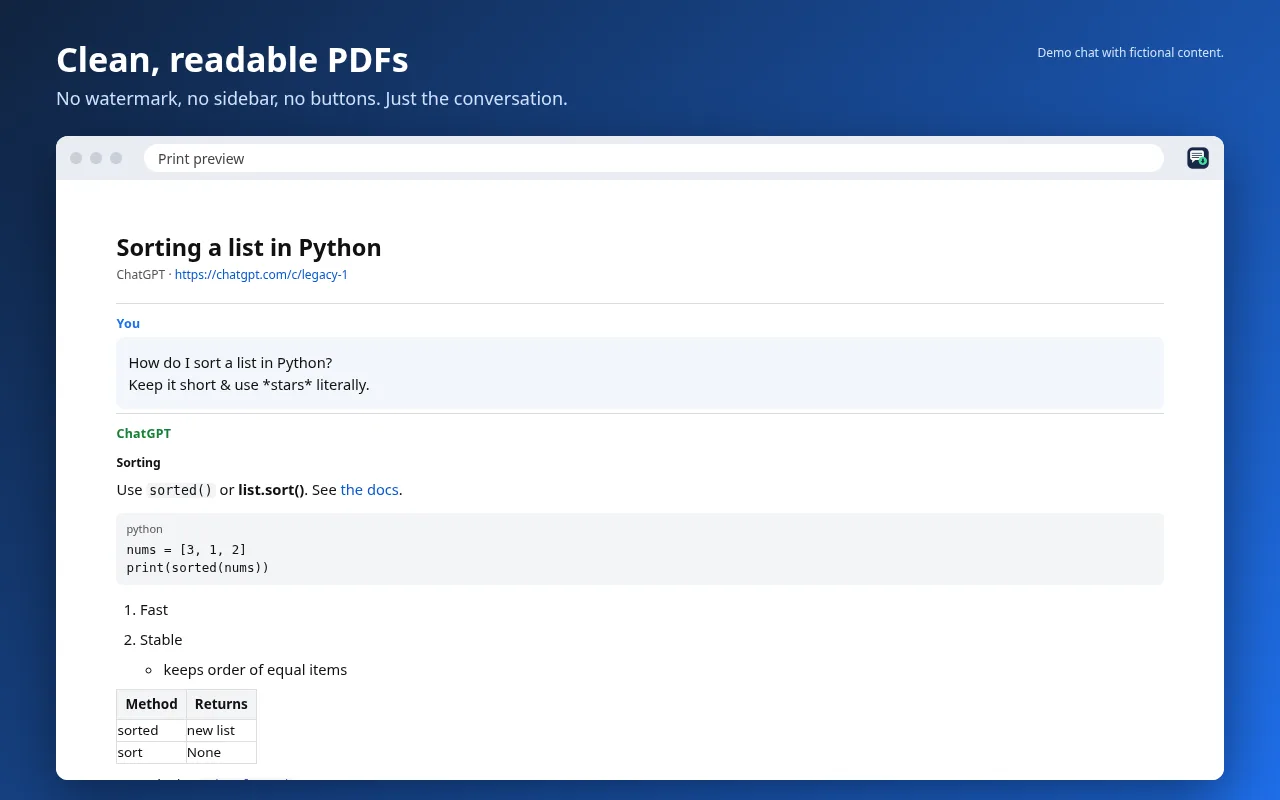
Code blocks keep their language, tables stay tables, and math is kept as LaTeX. There is no watermark. If ChatGPT has not loaded every message of a long chat, the extension says how many are missing, and "Collect while I scroll" keeps every message as you scroll.
Choose Markdown to get a .md file you can drop into Obsidian or import into Notion. With Pro ($7/month or $49/year), bulk export creates a Markdown ZIP with front matter (title, date, app) for many chats at once.