 AI Chat ExporterAI Chat Exporter
Home › Help › Search ChatGPT history
Updated 2026-10-28.
chat.html: every conversation on one long page. You can open it in a browser and use Ctrl+F, but large histories make it slow.conversations.json: the raw data. Each conversation stores its messages as a tree (so edited and regenerated replies are kept), which is why it is hard to read directly.conversations.json) on the page. Claude exports and Gemini Takeout files can go in the same archive.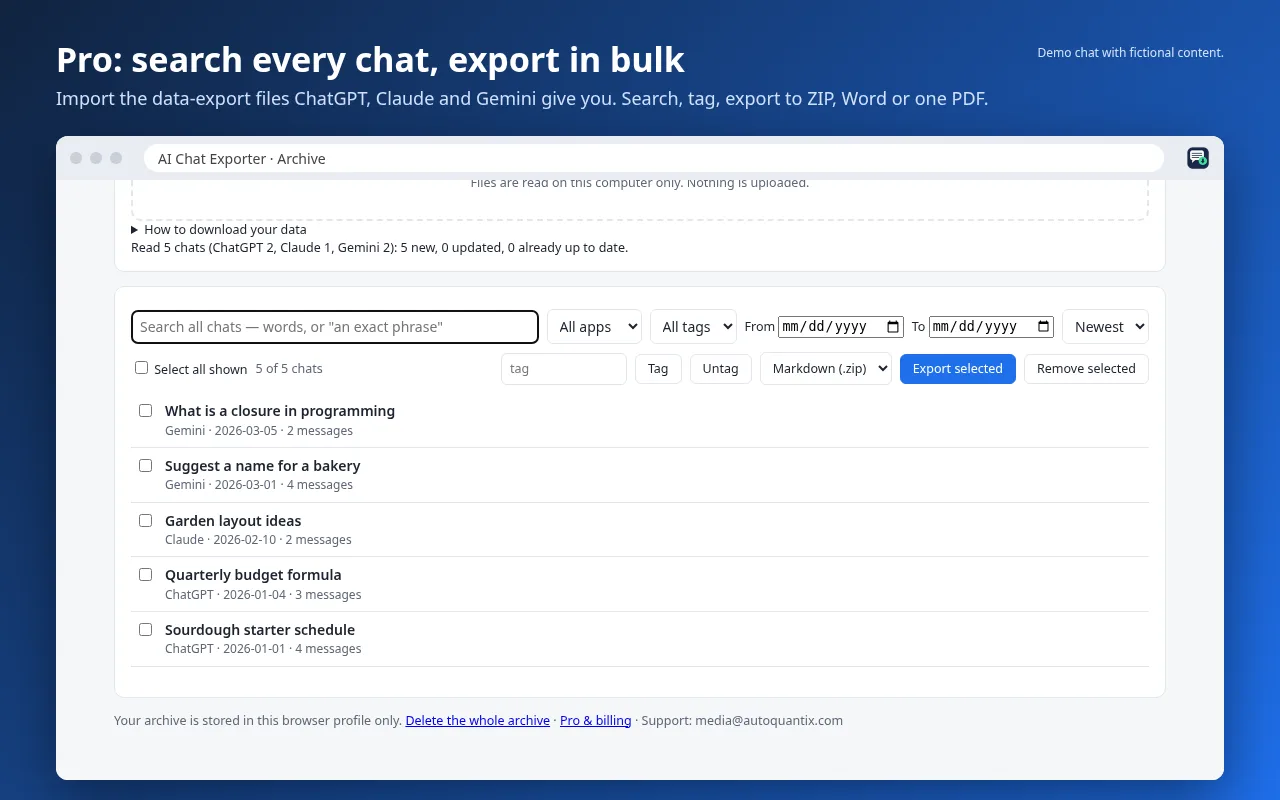
Pro is $7/month or $49/year, with a full refund within 14 days of a payment. The archive is stored in your browser on your computer; nothing is uploaded.
ChatGPT's own sidebar search also finds past chats by keyword. A local archive adds exact-phrase search, filters, tags, bulk export, and chats from Claude and Gemini in one place.